Lesson 3 Animation, Adding your own pictures, Positions, Repeat, Forever
Animate a Sprite
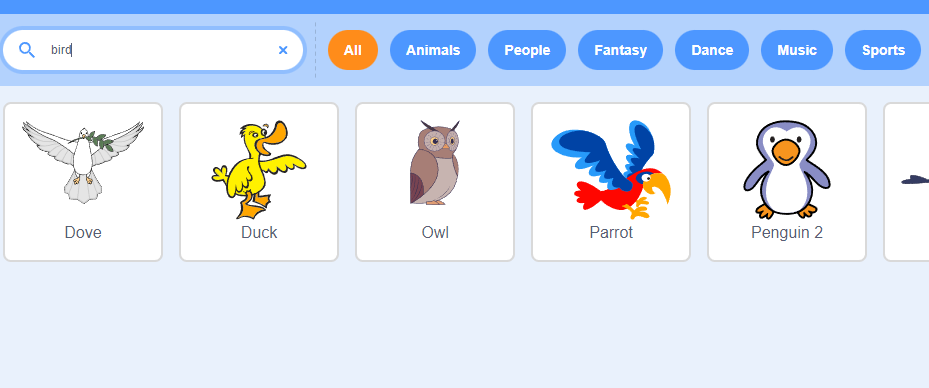
Adding a bird to the scene
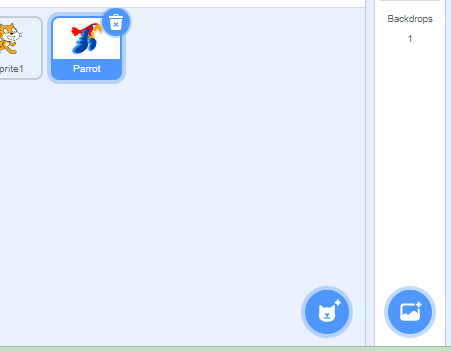
- Click on the bird Icon
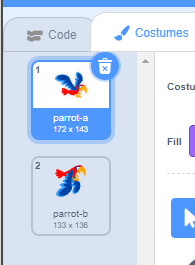
- Note how it has two sprites
Repeat Block
Animating the bird
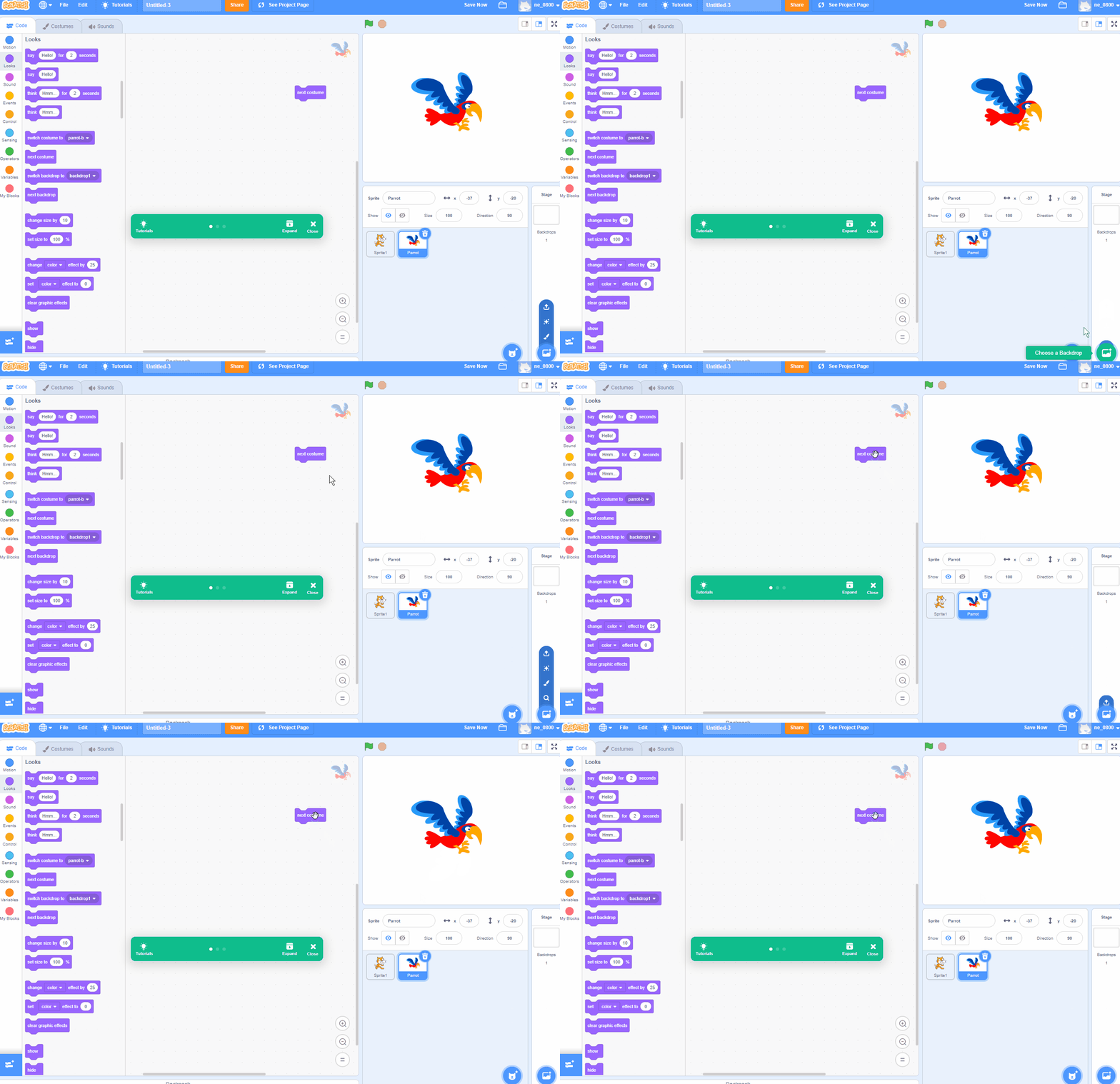

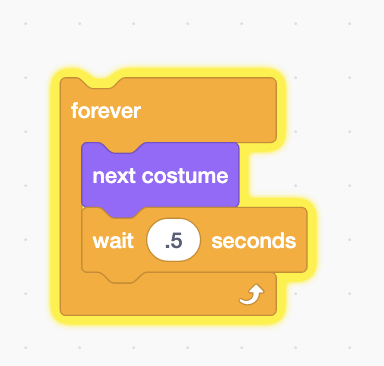
Forever Block
note
Sprite Rotation and Direction
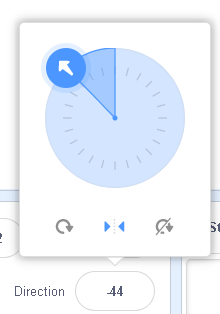
Answer the following questions:
What is the 'direction' value when the sprite is pointing right/East? 90
What is the 'direction' value when the sprite is pointing left/West? -90
What is the 'direction' value when the sprite is pointing down/South?180
What is the 'direction' value when the sprite is pointing up/North? 0
For this animation, make sure the Left/Right option is selected.
Random Position
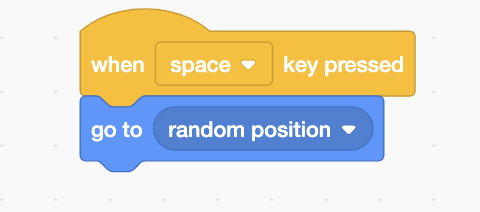
Gliding to a Random Position
Integrating everything
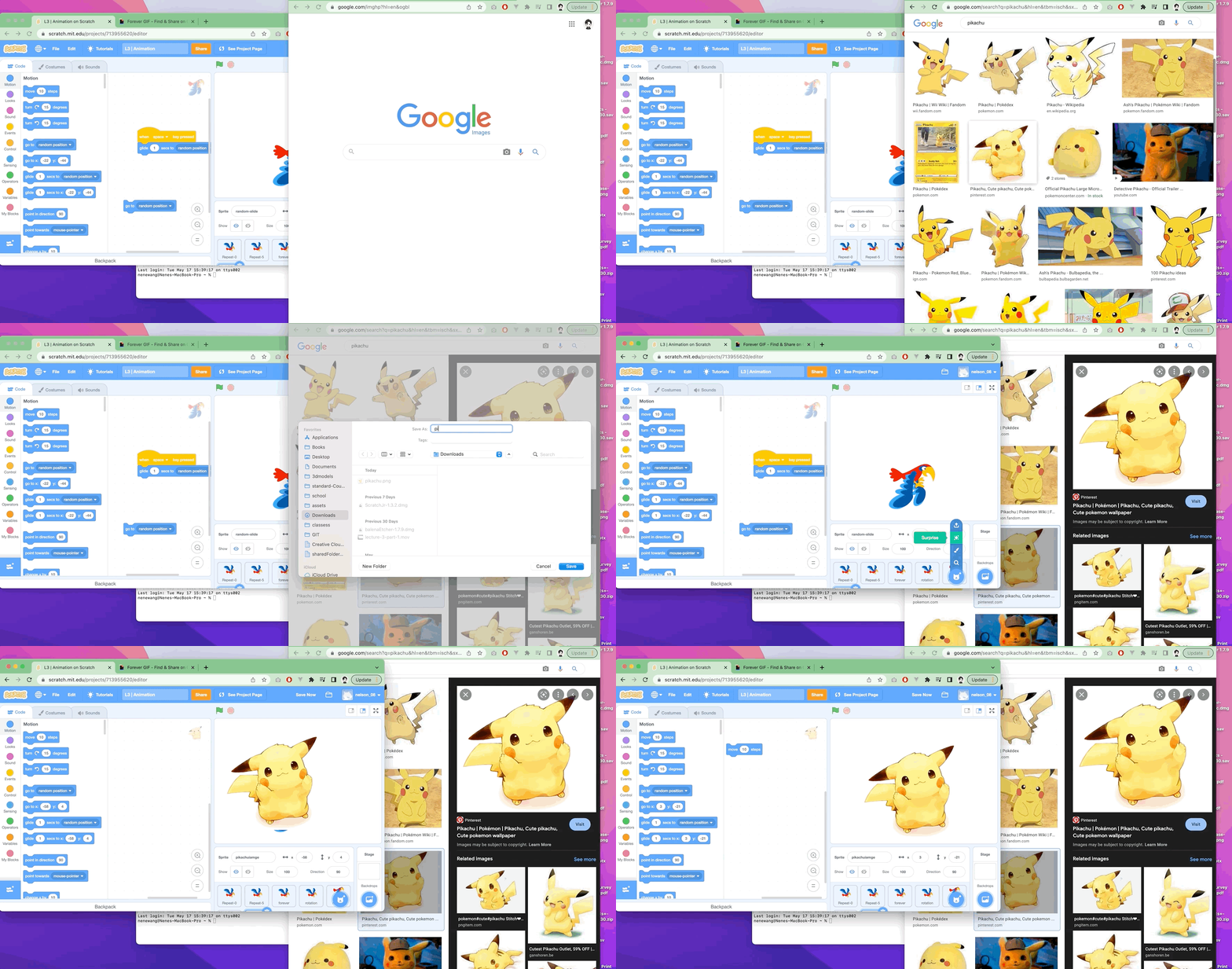
Adding your Own Image